September 17, 2026 · 3 min read
3 Free Linktree Alternatives: Which One Fits Your Content?
Compare three free Linktree alternatives for product picks, creator pages, and one-page websites. Find the right fit before moving your bio link.
Looking for free Linktree alternatives? Start with the content your followers need to find. A page for outfit recommendations has a different job from a page for a podcast, a portfolio, or a newsletter.
Before moving, list your three most important destinations. Then choose a tool that makes those destinations easy to recognize and maintain. Here are three options worth comparing, with different reasons to consider each.
1. Lunera for product recommendations
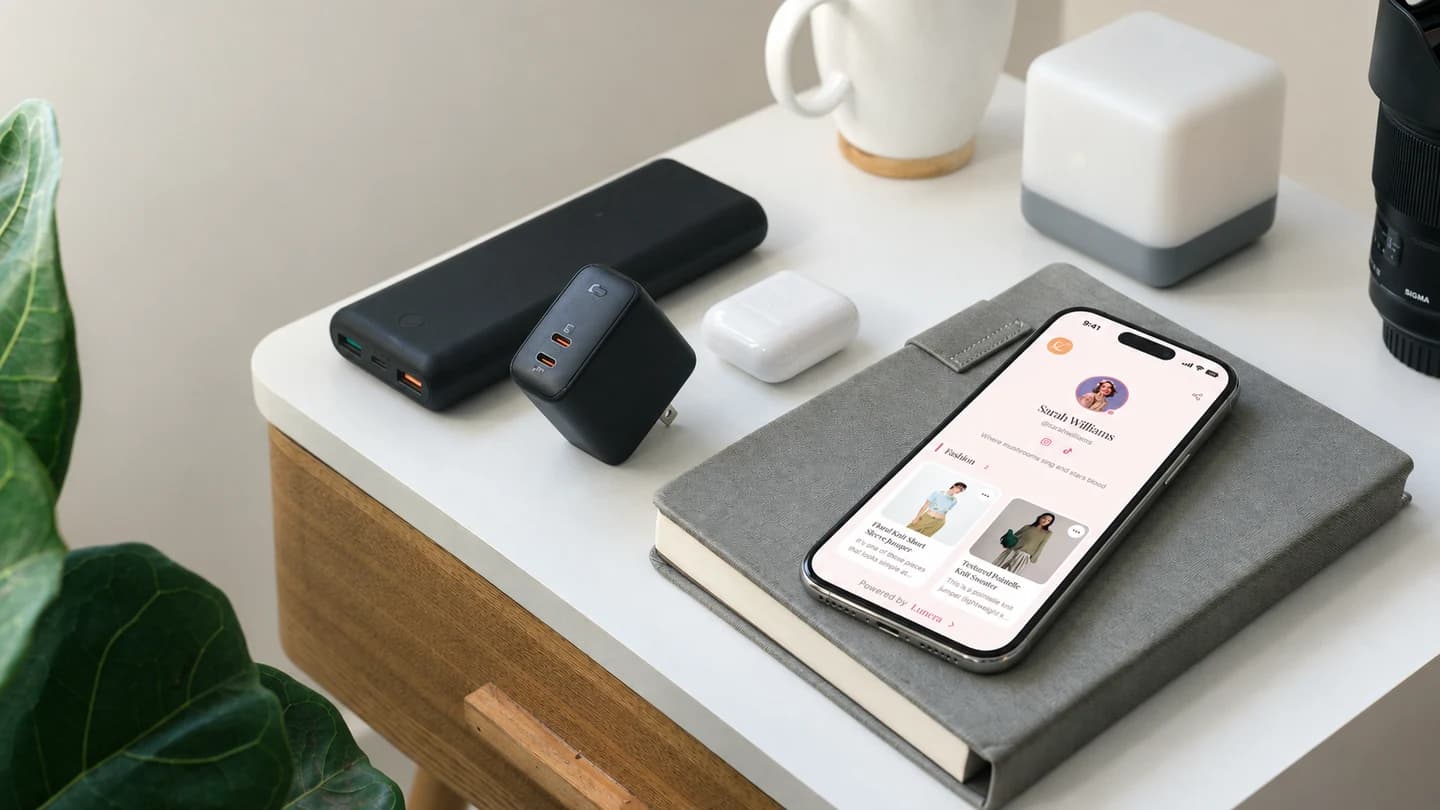
Lunera suits creators whose bio link revolves around favorite finds. Its free plan includes unlimited products and categories, four themes, and basic click analytics. You manage the page through its iOS app. See Lunera’s features and plans.
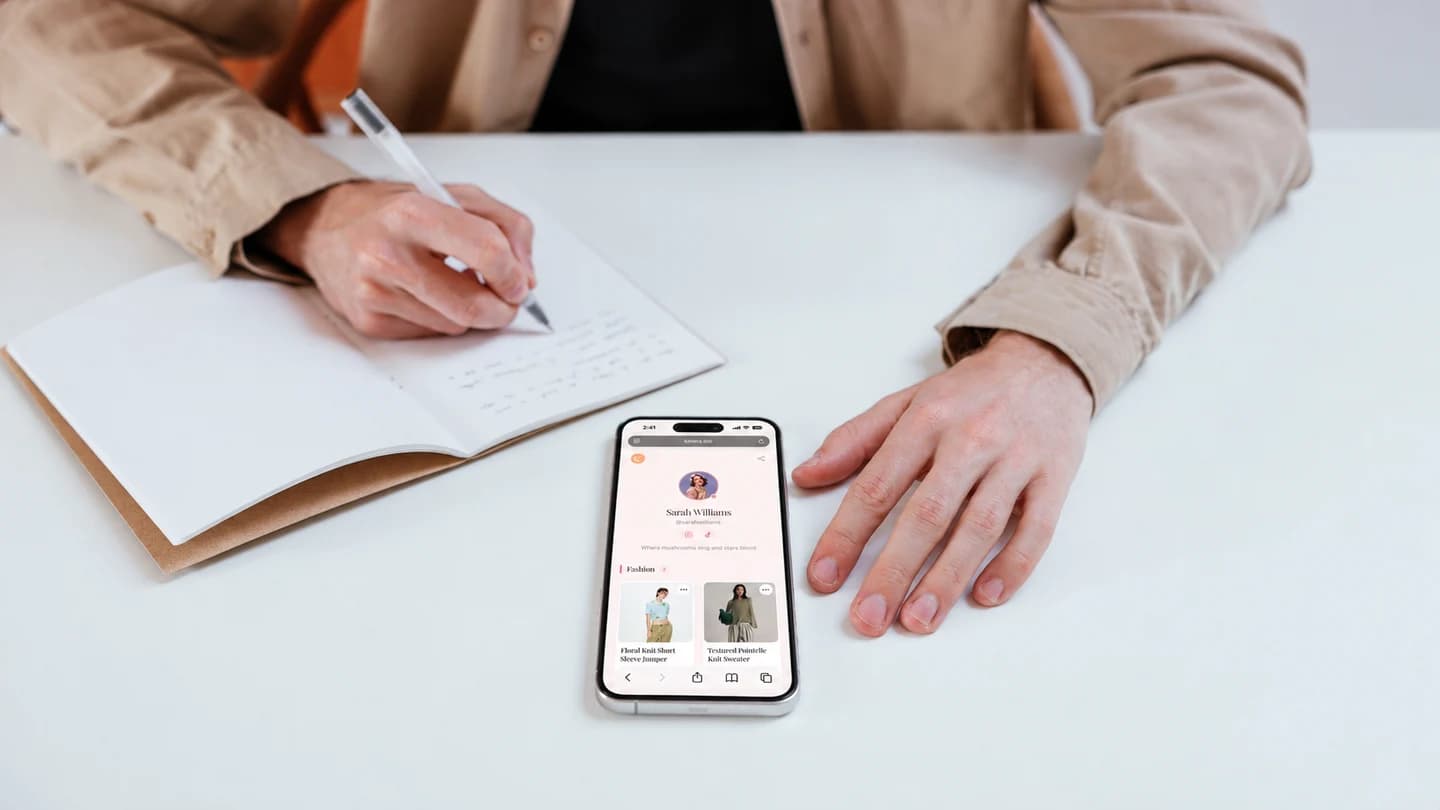
Consider this approach if followers regularly ask about the clothes, home accessories, or other items in your posts. Build your first collection around a specific question, such as “What’s in my weekend bag?” That gives visitors a reason to browse beyond the first item.
The practical check is your editing routine: make sure the app fits the device you use to maintain your recommendations.
2. Beacons for a broader creator page
Beacons offers a free plan with unlimited links and a media kit. Its published plan information also lists a transaction fee on free-plan sales. Check Beacons’ plan details.
This is an option to explore when your profile serves several audiences, such as followers looking for content and brands looking for collaboration information. Sketch those separate journeys before building the page. A brand contact should not have to browse your entire product list to find your media kit.
If you intend to sell through the platform, compare the total cost of your expected activity, not just the monthly subscription.
3. Carrd for a one-page website
Carrd lets you build up to three sites using its core features for free. Its format is a responsive one-page website. Explore Carrd.
Consider a one-page site when you want to introduce your work before presenting links. A photographer, for example, might lead with a short introduction and selected images, then offer separate routes to a portfolio and an inquiry page.
Check whether your planned layout needs features outside the free tier before spending time building it.
How to make the final choice
Create a small test page with real content. Open it on your phone and ask someone to find one specific destination without help. Notice whether the link labels make sense and whether the page requires more scrolling than expected.
You do not need to move simply because alternatives exist. If your current page is easy to use and maintain, keep it. If product recommendations have become the main reason people visit, explore Lunera and test a collection built around your latest post.