May 1, 2026 · 9 min read
Link in Bio for Instagram: How to Set Up a Bio Link That Converts
Learn how to add a link in bio on Instagram, what to put on your Instagram bio link, and how creators build a cleaner page for products, content, and social links.
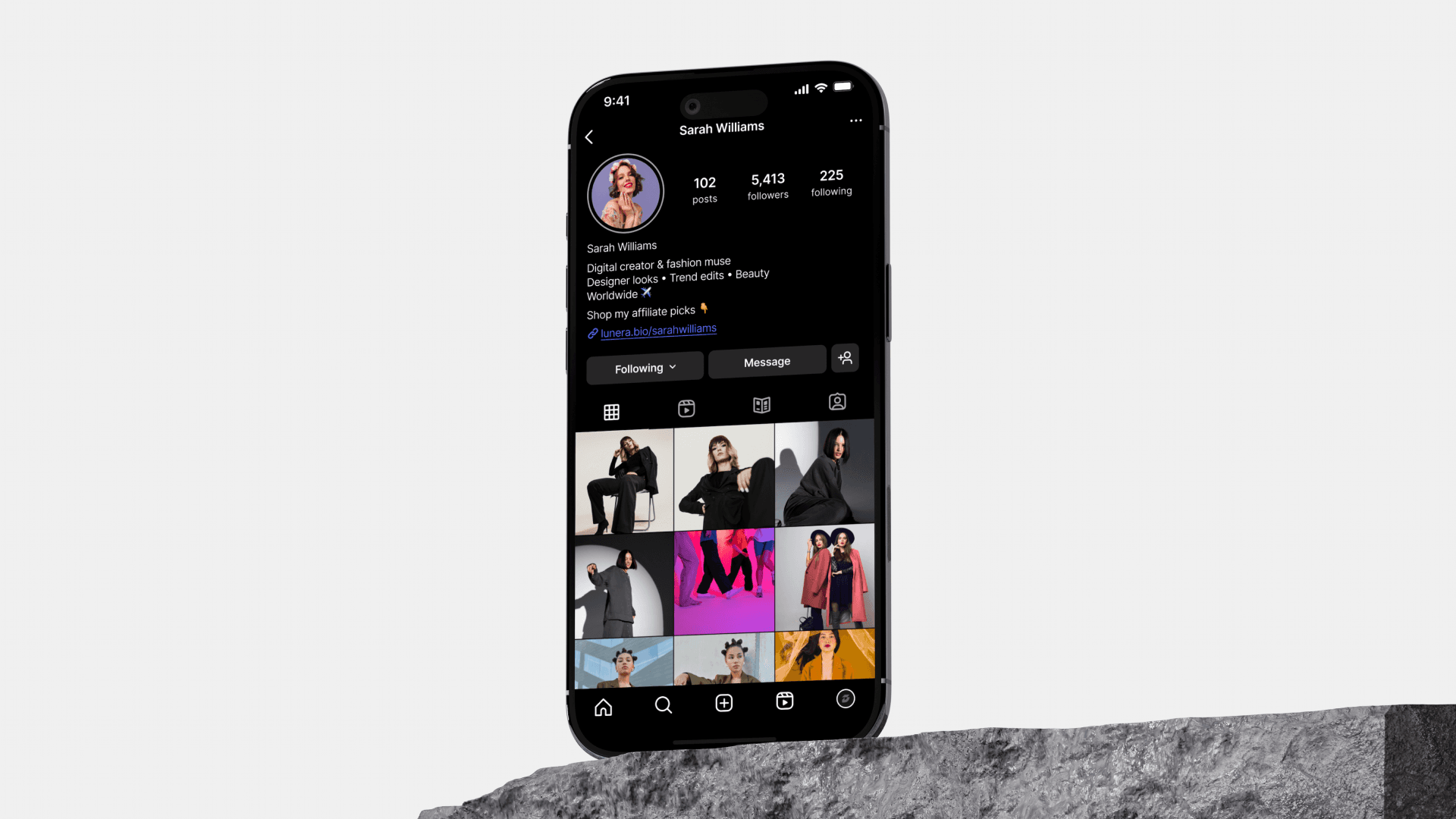
A link in bio for Instagram is the page that turns profile visits into action. It can send followers to products, posts, newsletters, booking pages, affiliate recommendations, or your other social platforms.
Instagram can create attention, but your bio link has to organize what happens after someone taps your profile.
How to add a link in bio on Instagram
Instagram's interface changes over time, but the basic flow is usually:
- Open your Instagram profile.
- Tap Edit profile.
- Find the links or website field.
- Add your bio link URL.
- Save the profile.
- Check your public profile to make sure the link opens correctly.
If Instagram lets you add multiple native links, you can still use one bio link page as the main destination. It gives followers one organized page instead of several disconnected URLs.
Why one homepage link is not enough
Most followers tap your profile because of something specific they just saw: a Reel, Story, carousel, outfit, product, recipe, tutorial, or recommendation. If the link sends them to a generic homepage, they have to search again.
A better Instagram bio link gives them:
- The exact product or post they came for.
- A simple way to browse related links.
- A clear next step if they want more from you.
That is why creators use a link-in-bio page instead of changing one raw URL every time they post.
What a great Instagram bio link includes
Start with the intent of your account. A beauty creator, artist, coach, and affiliate creator do not need the same page.
Useful sections include:
- Latest from Instagram - links from your newest Reel, Story, or carousel.
- Product cards - photos, short labels, and destination links.
- Categories - beauty, fashion, home, travel, recipes, art, or resources.
- Owned audience links - newsletter, community, blog, or podcast.
- Contact path - brand inquiries, booking, commission form, or email.
- Other socials - TikTok, YouTube, Pinterest, X, LinkedIn.
Put the most time-sensitive link near the top. Put evergreen links and social icons lower.
Instagram bio formatting tips
Your profile copy should guide people toward the link. Keep it simple:
- Use the last line of your bio as the call-to-action.
- Match the CTA to your current content: "Shop the latest Reel" is clearer than "Links below."
- Avoid vague link labels like "Website" when you can use a branded page URL.
- Update Story highlights if they point people to a specific link.
- Test the link from another account after updating it.
Instagram bio link examples
Affiliate creator
- Top card: latest Reel products.
- Category: skincare, home, wardrobe, tech.
- Category: discount codes or favorite shops.
- Footer: email, TikTok, YouTube.
Artist or maker
- Top card: current drop or featured work.
- Category: prints, commissions, portfolio.
- Category: newsletter or event links.
- Footer: social profiles and contact.
Coach or educator
- Top card: free guide or booking page.
- Category: courses, resources, podcast.
- Category: testimonials or case studies.
- Footer: newsletter and social links.
Building your Instagram bio link with Lunera
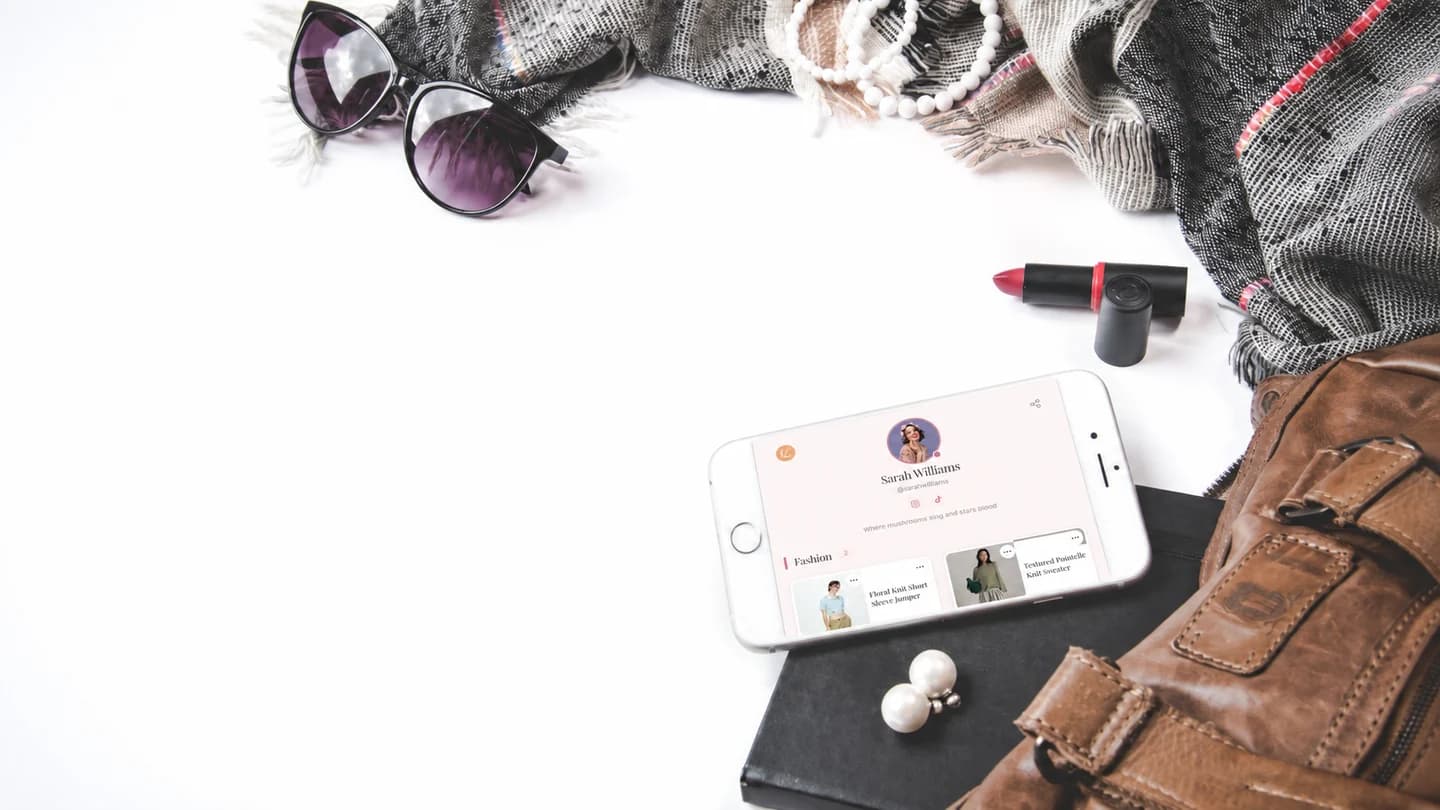
Lunera is an iOS link-in-bio app for creators who want a visual page for product recommendations, categories, and social links.
You can use Lunera to:
- Add products or links as visual cards.
- Organize links into categories.
- Use a public
lnr.bio/yournamepage. - Choose from free and premium editorial themes.
- See click analytics so you know which links people tap.
It works best when your Instagram content regularly points to products, favorites, posts, or resources that followers need to find quickly.
Common Instagram bio link mistakes
- Sending everyone to a homepage. Give followers the specific next step they expected.
- Using too many equal-weight links. Make the main action obvious.
- Forgetting mobile speed and clarity. Most taps happen on phones.
- Leaving old campaigns live. Remove broken links and expired products.
- Hiding contact information. If you want collaborations, make the path visible.
FAQ: Instagram bio links
What does link in bio mean on Instagram?
It means the clickable link on a creator's Instagram profile. Creators use it to send followers to products, articles, shops, videos, booking pages, newsletters, or a full link-in-bio page.
How do I add a link in bio on Instagram?
Go to your profile, tap Edit profile, add your URL in the links or website area, save, and test the link from your public profile.
Should I use one link or multiple Instagram links?
If you only need one destination, one link is fine. If you share products, content, offers, and social profiles, a link-in-bio page keeps everything organized.
What should I put first on my Instagram bio link?
Put the link your latest content promises. If your newest Reel mentions a product, routine, download, or article, that should be easy to find at the top.
The link in your Instagram bio is small, but it controls the next step after attention. Make that next step clear.